
Turn a historical case into a classroom discussion
Students can go beyond reading a battle: make decisions, explain their reasoning and defend their conclusions. Choose a source-linked case, explore the student experience and debrief the difference between the simulation and historical evidence.
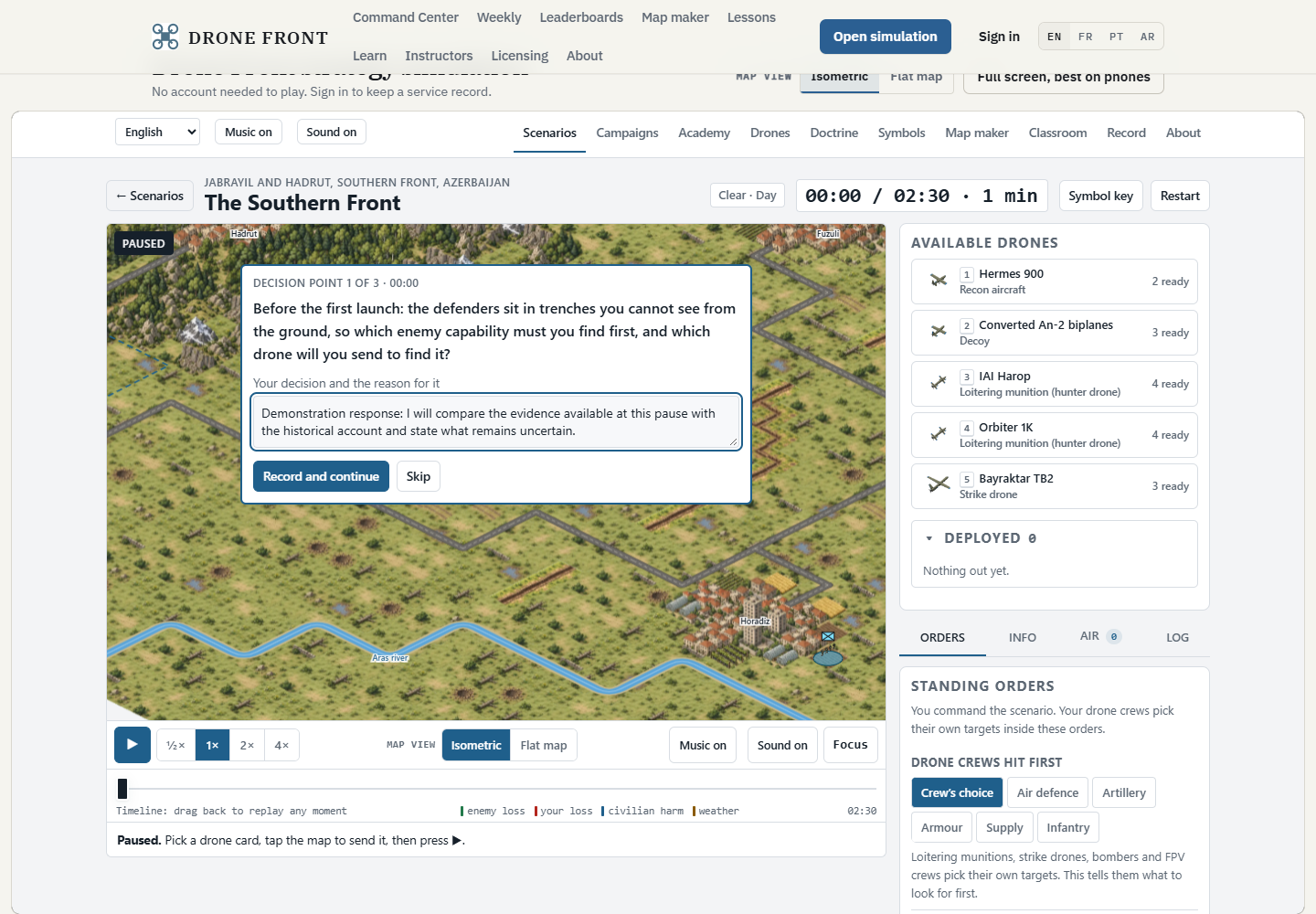
See the classroom flow
Watch the briefing, student decisions and debrief in English.
- 01
Choose a lesson that fits your course
Start on Lessons. Search by battle, place, country or force, then read the review-provenance notice. Read the objectives, decision points and published sources. Choose one question students should be able to discuss afterwards. Check any separate warning for the side you intend to assign.
Explore lessons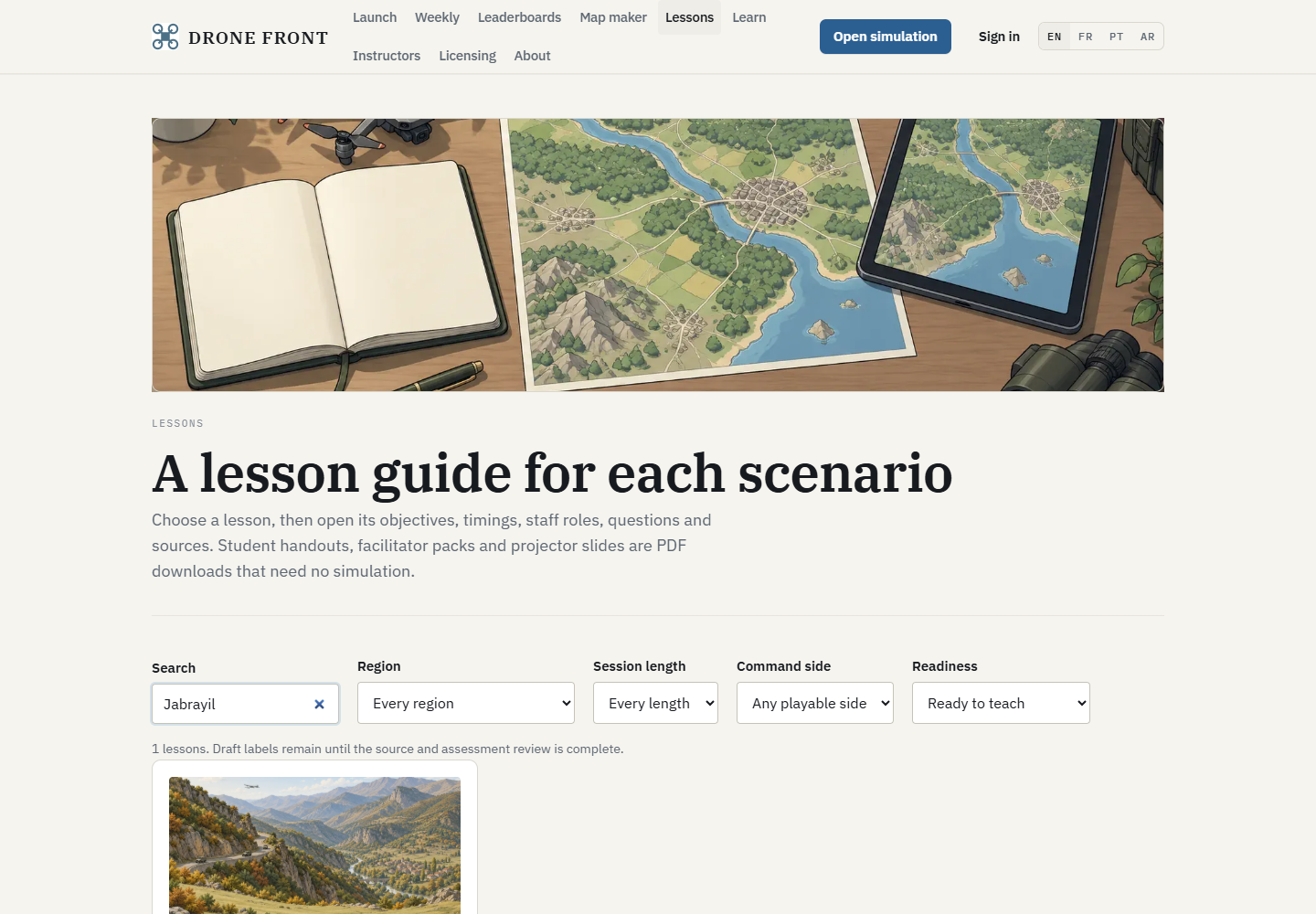
Historical interface capture, 8 October 2026. Current materials disclose AI review without named human or external validation. Read today’s review-provenance notice, objectives and sources before assigning the case. Open a picture to read it at full size. - 02
Prepare the materials
Review the timing, staff roles, questions, debrief and model limitations. Give students the student handout. Keep the facilitator pack and its answer explanations for yourself. The projector slide provides a shared starting point.
Read this lesson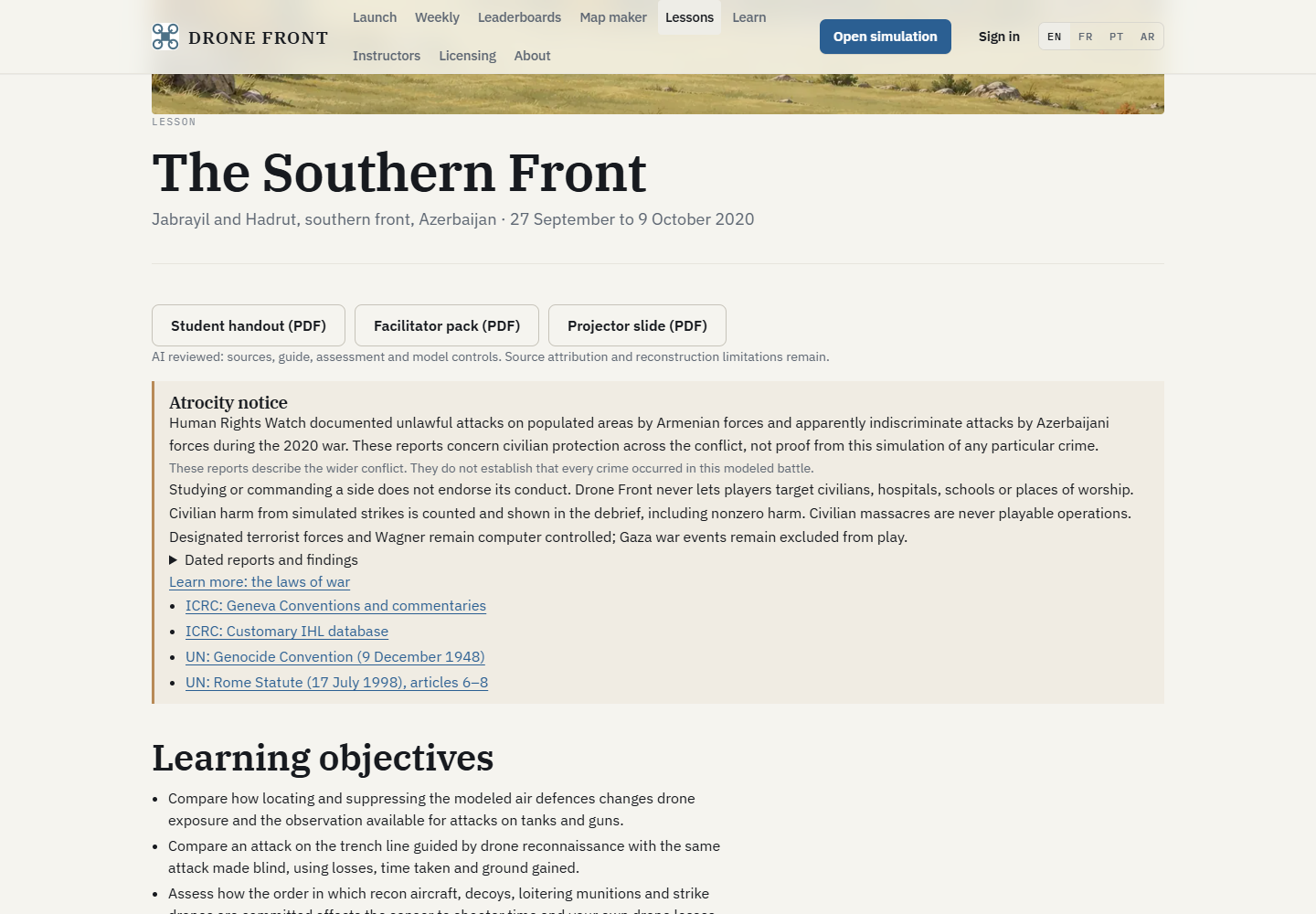
Student handout, facilitator pack and projector slide are separate downloads that need no simulation. Open a picture to read it at full size. - 03
Create one checked classroom setup
Rehearse on the classroom network and projector. In Classroom, choose the scenario, session length, side, settings and decision points. Create the class code and check the displayed status before sharing it. Use Try it as a student to preview each side you intend to assign. Confirm institutional access before your first class.
Open Classroom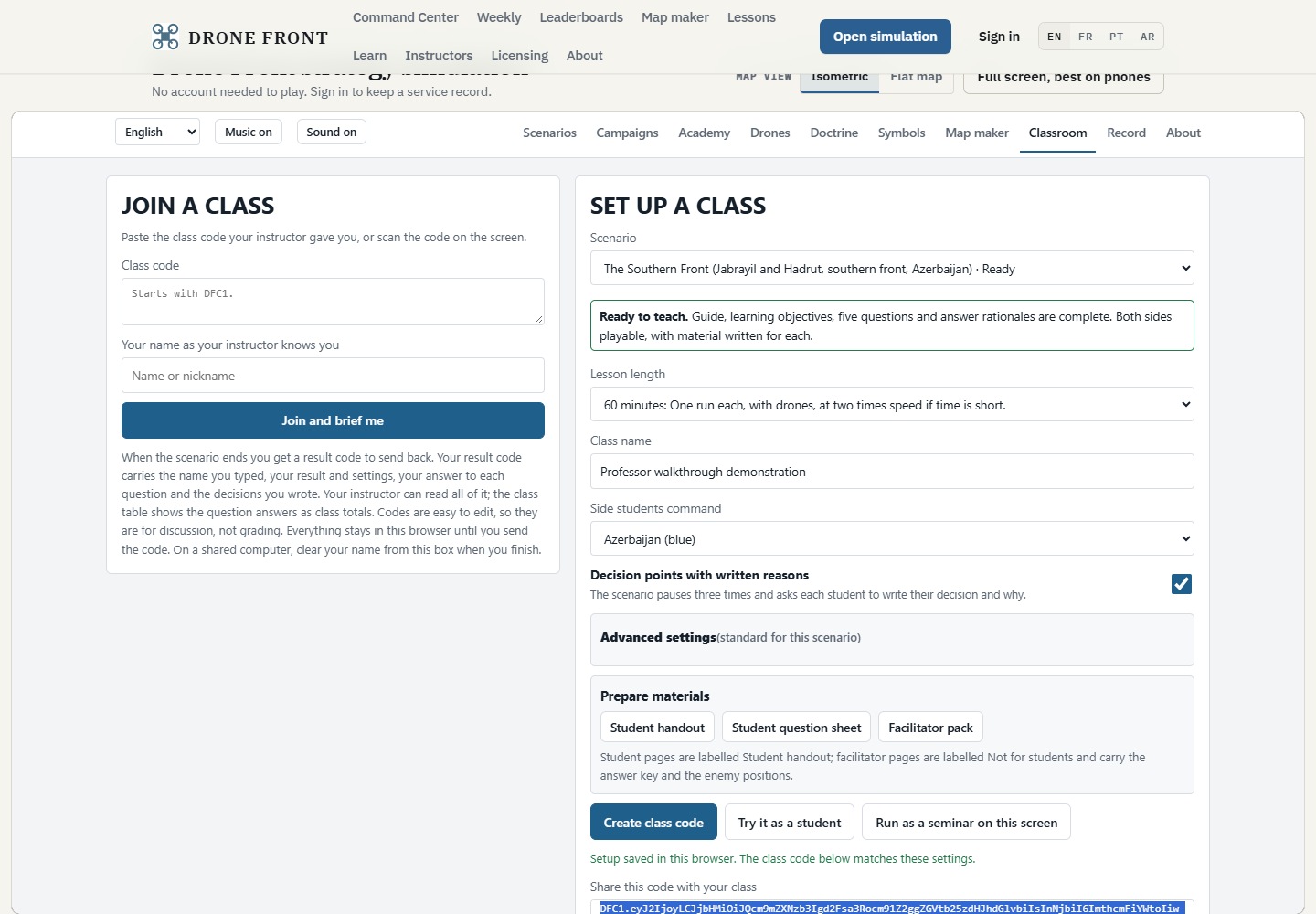
Classroom setup for a 60 minute seminar on the first listed side. Open a picture to read it at full size. - 04
Brief the case before the run
Give students the historical situation and the learning question before they start. Explain which claims have source support and which features are educational simplifications. The student view includes the briefing and before questions. Ask for students’ current understanding before showing answer explanations.
Explore the demonstration class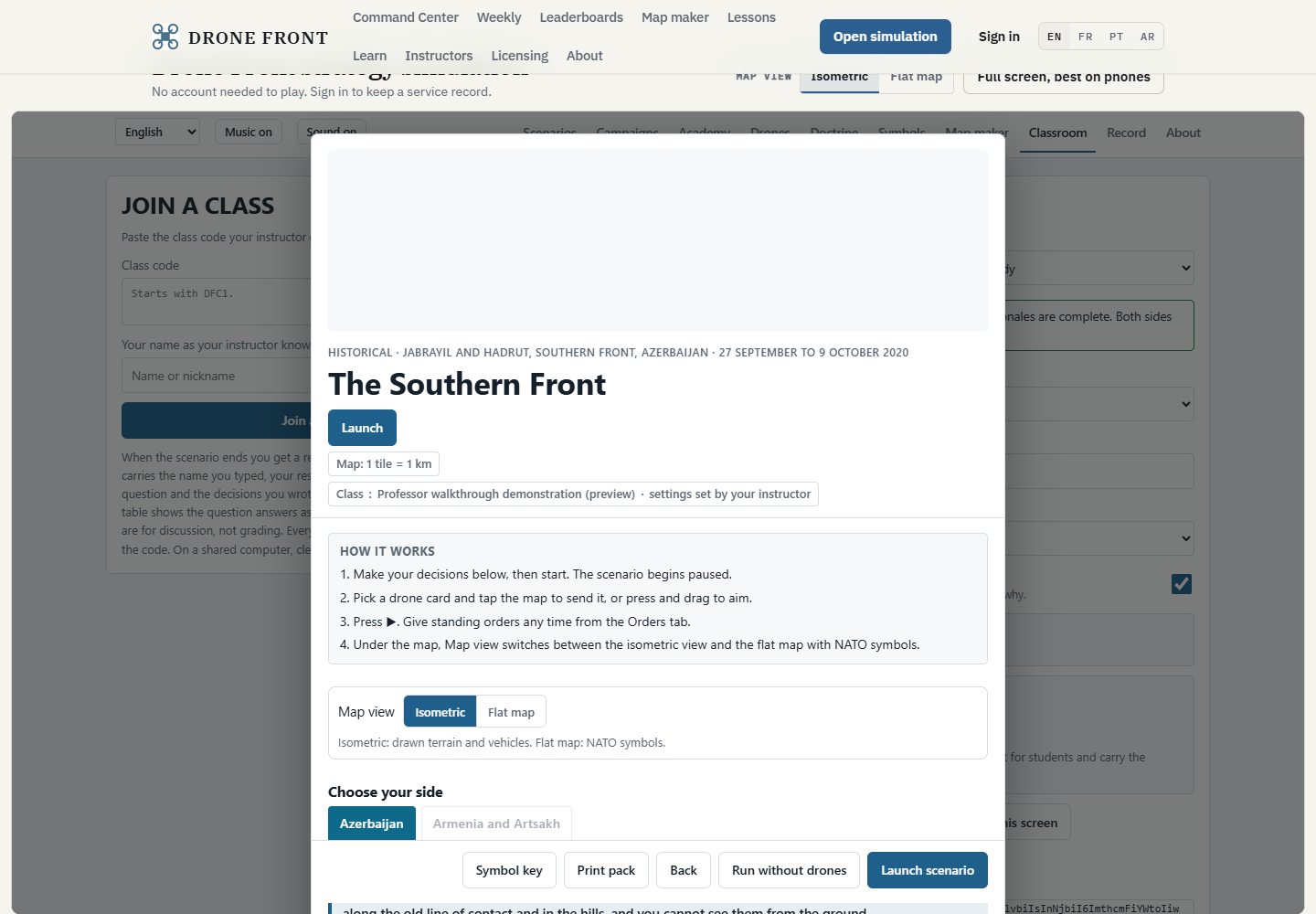
Preview what students read. The before questions follow this briefing before the simulation begins. Open a picture to read it at full size. - 05
Ask for reasons and uncertainty
At each decision pause, ask what students knew, what they assumed, and what evidence could change their judgement. Students can record a decision and its reason. Keep the activity connected to interpreting this historical case and the model. A classroom code does not create a live shared multiplayer session.
The response shown is fictional demonstration text. Ask students to defend an explanation, not merely report a result. Open a picture to read it at full size. - 06
Use the result to start a discussion
Begin with the objective, time, losses on both sides, equipment cost exchange and civilian harm. Discuss harm separately. Compare what happened in the simulation with the historical account. Which explanations have source support? Which depend on model assumptions? Use the after questions to identify ideas needing more attention.
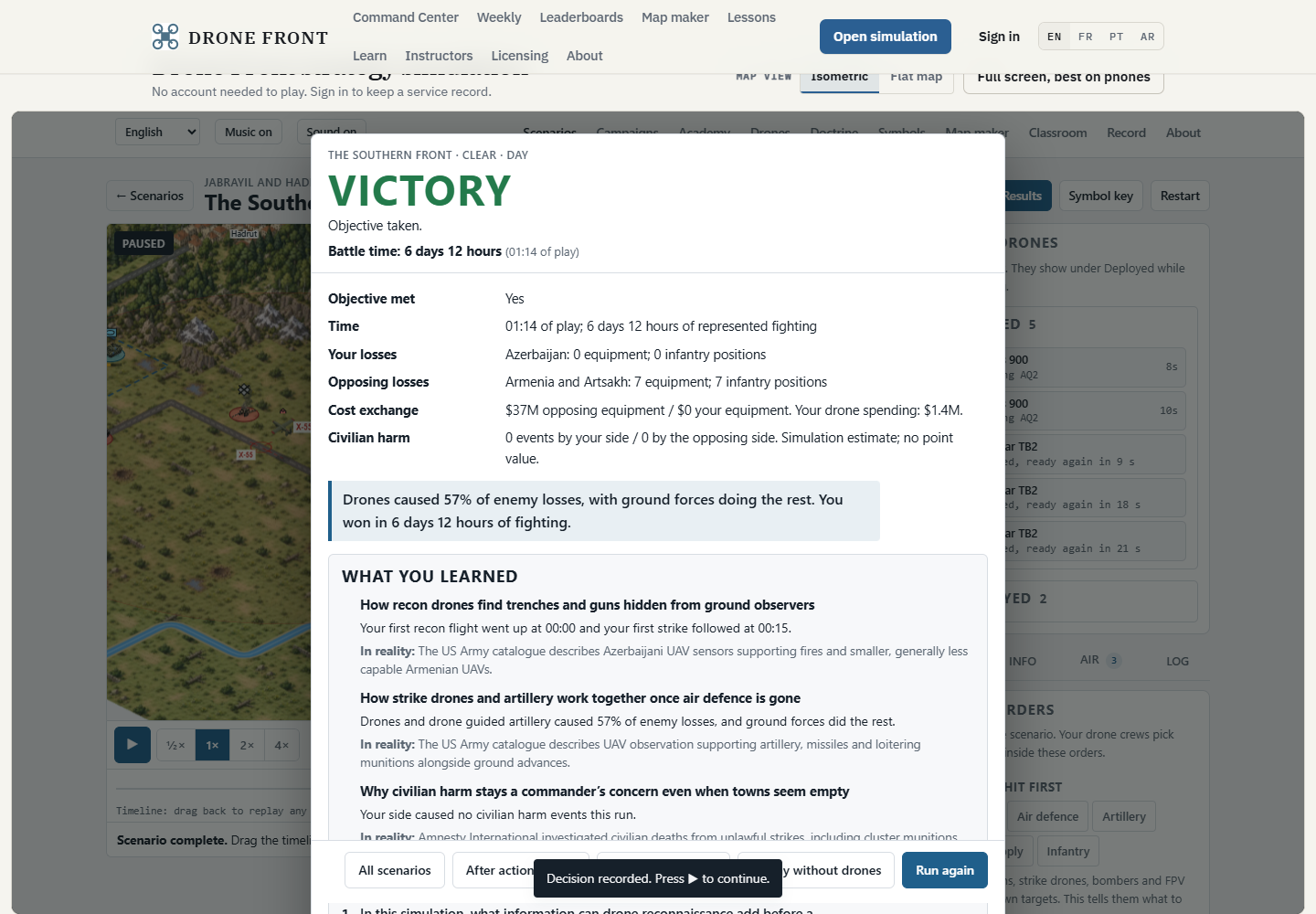
An actual local demonstration run, advanced to completion using the model’s existing automatic mode. It is not a recorded public or student run. Open a picture to read it at full size. - 07
Collect and compare compatible results
Students send their result codes through the course’s approved channel. Paste them into Collect results and select Add results. Compare compatible groups; differences in data, side and settings can require separate groups. Result codes can contain names, answers and written decisions. Treat real codes as student work and clear shared computers afterwards.
Get the fictional result codes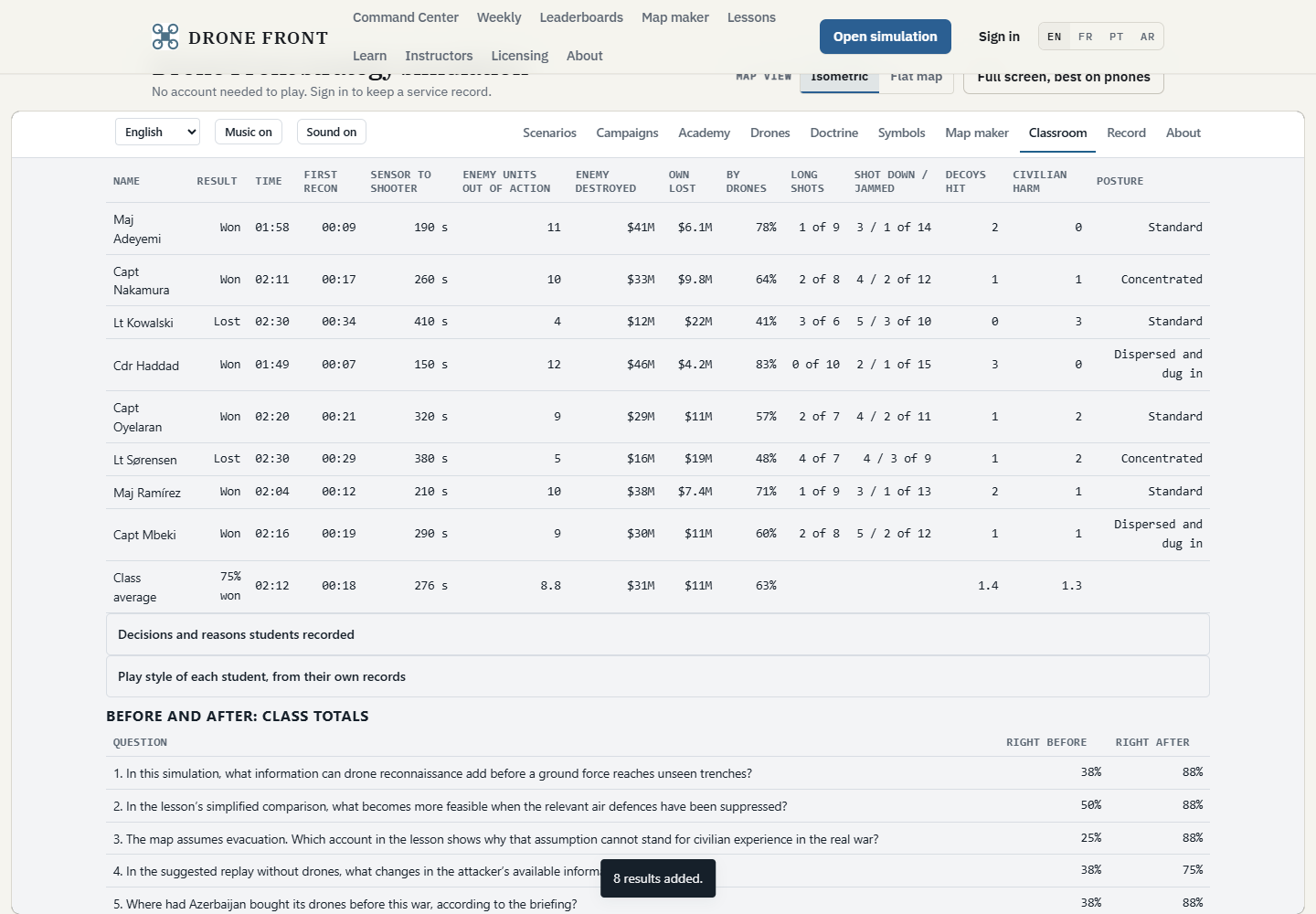
Fictional demonstration results. Use compatible scenario, side and settings when comparing student work. Open a picture to read it at full size. - 08
Give each audience the right material
Use the Student handout for students and the Facilitator pack for your own preparation. Assess students’ use of sources, treatment of uncertainty and recognition of model limitations using your course criteria. Ask each student to explain one conclusion and one limitation. Rehearse the full flow before assigning it.
Preview the student handout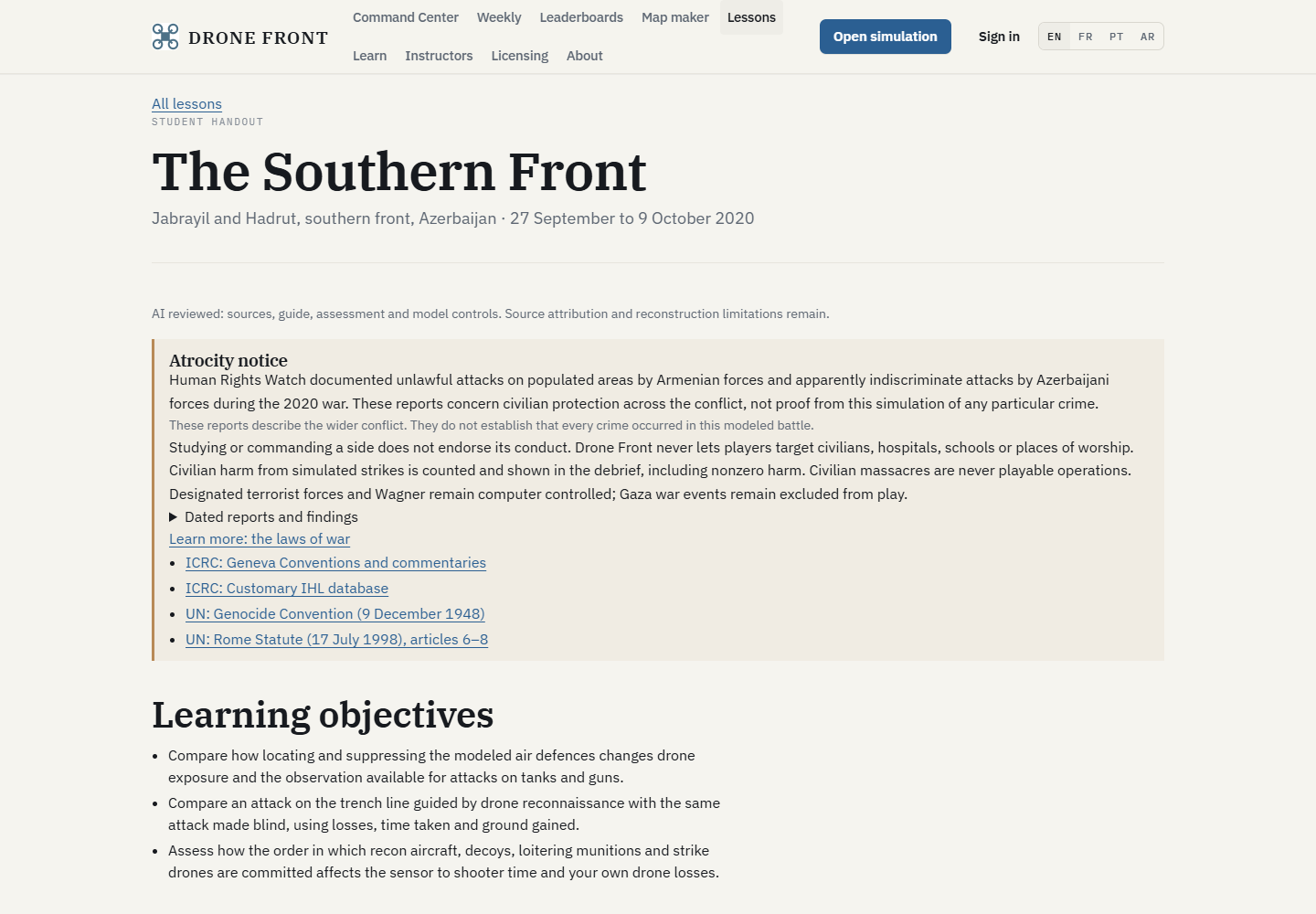
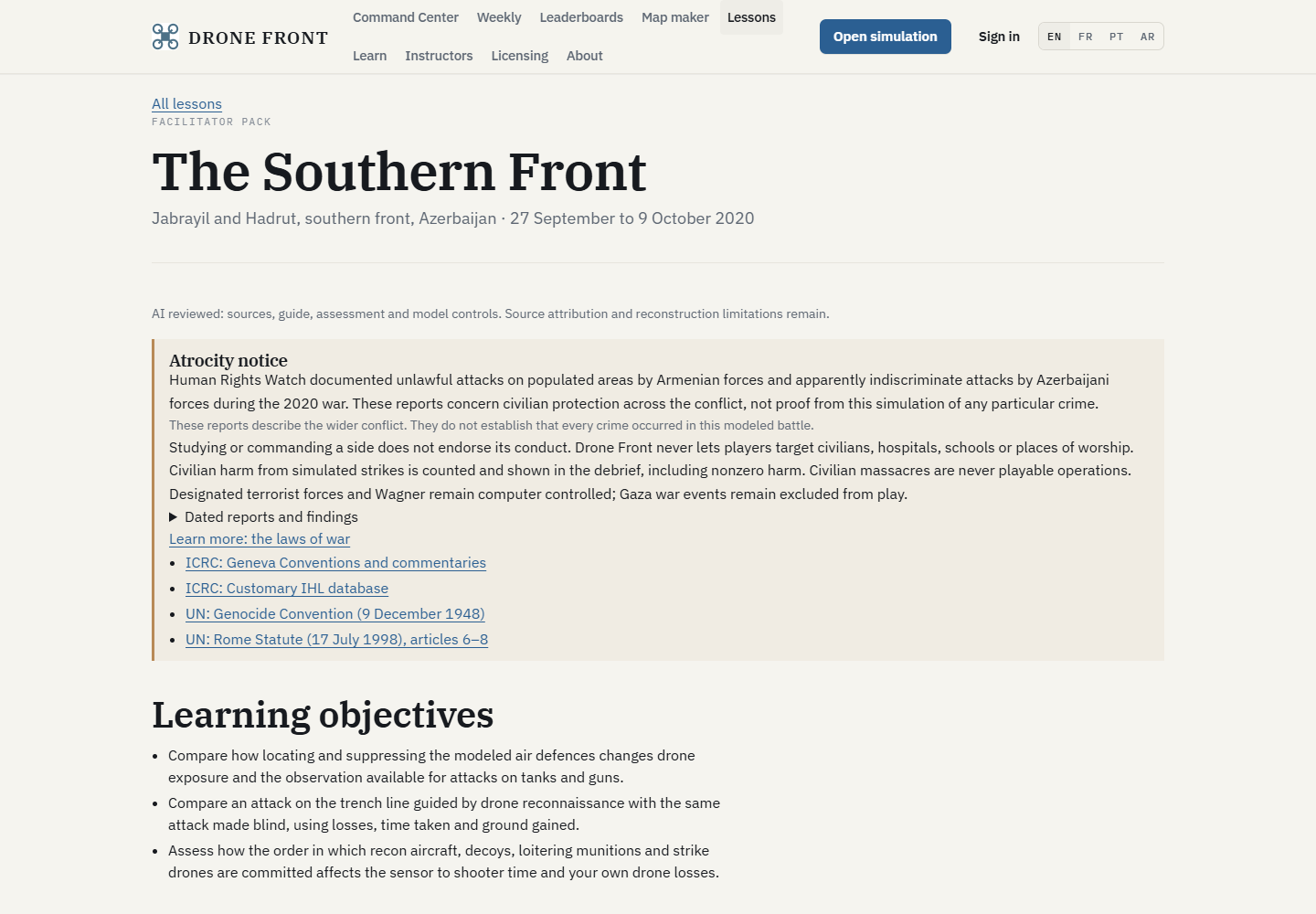
The student preview omits answer explanations. The facilitator pack includes them further down the guide. Open a picture to read it at full size.
A 60 minute seminar
| Minutes | Activity |
|---|---|
| 0–5 | Before questions |
| 5–15 | Briefing and learning question |
| 15–35 | Simulation activity with decision pauses |
| 35–40 | Collect result codes |
| 40–55 | Debrief and after questions |
| 55–60 | Closing discussion |
Simulation clock time excludes briefing, pauses and discussion. The lesson also provides 45, 90 and 180 minute plans.
Try the flow before your next class
Use the fictional demonstration results to practise collecting and comparing codes. Recheck the lesson’s readiness and institutional access before assigning real student work.